
How to Protect Your Kids Online: A Parent’s Guide
Most children access the internet independently by around age five, often years before parents feel genuinely ready for that reality. The instinct to lock everything down with strict controls is understandable, but the research on this is fairly consistent: technology restrictions work best as one part of a broader approach, not as a complete solution on their own. Ongoing conversation and digital literacy tend to matter just as much, if not more, than any single setting you enable.
Start With the Controls Already Built Into Your Devices
Before looking at anything else, explore the parental control options already available on the devices, browsers, and apps your family already uses. Most operating systems, web browsers, and major apps include built-in settings to restrict age-inappropriate content, limit screen time, and manage what a child can access, often at no additional cost.
Password-protect these settings once configured, since this makes it considerably harder for a child to disable restrictions, whether intentionally or by accident while exploring settings menus out of curiosity. Treat these controls as a helpful backstop rather than the entire strategy, since no filter catches everything, and a child determined to find a workaround eventually will.
Talk Early, Talk Often, and Keep the Door Open
Research consistently points to one finding that surprises some parents: the habit of open communication may do more for a child’s actual safety than any rule or control on its own. Children who feel genuinely comfortable coming to a parent with something confusing, uncomfortable, or upsetting they encountered online are far more likely to actually do so, rather than hiding the problem out of fear of losing device access or getting in trouble.
This means the way you respond matters enormously. If a child tells you about something troubling they saw or experienced online and the immediate response is punishment or taking away their device, that reaction teaches them to stay quiet next time rather than speak up. Prioritizing an open, non judgmental reaction, even when the underlying situation is genuinely concerning, keeps that communication channel intact for the future.
Build Digital Literacy, Not Just Restrictions
Digital literacy means teaching a child to think critically about what they encounter online: understanding that not everyone they interact with is who they claim to be, recognizing manipulation or pressure tactics in general terms, knowing how to evaluate whether information seems credible, and understanding the basics of protecting their own personal information.
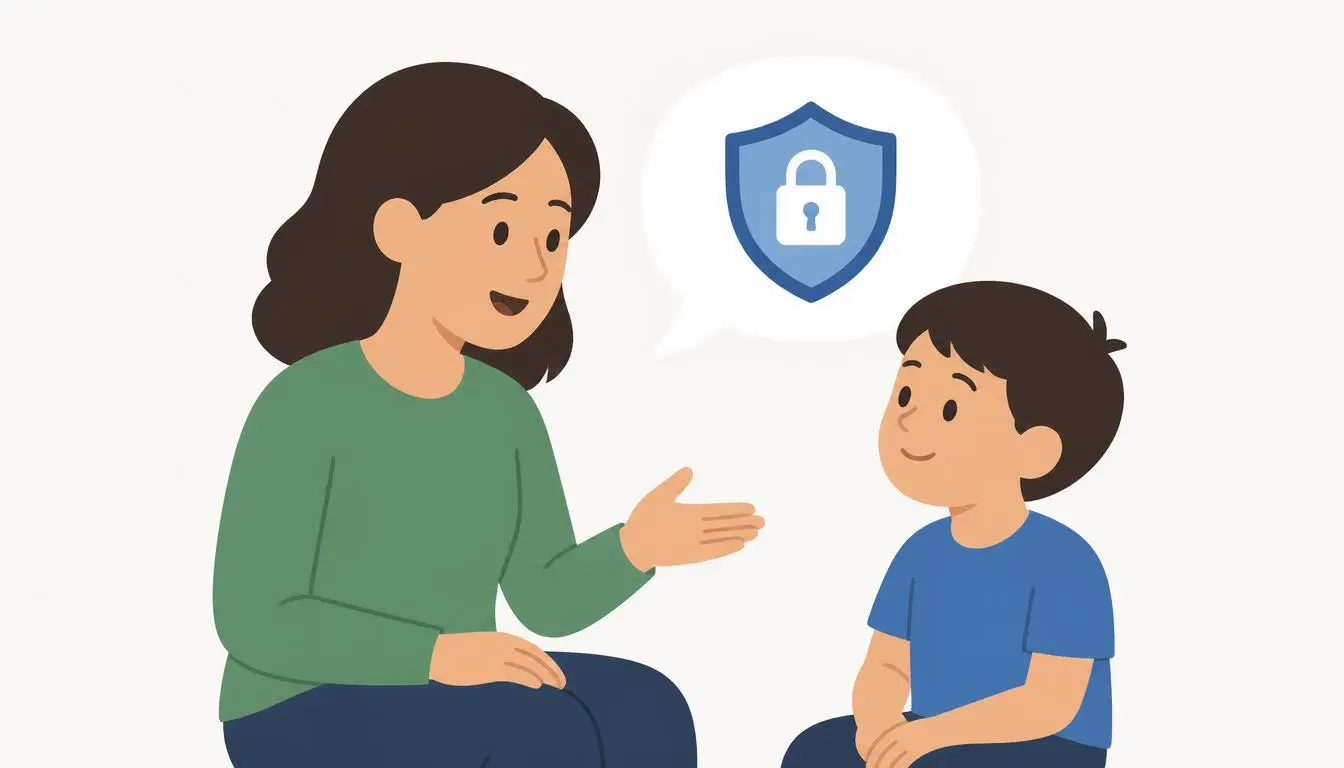
This kind of literacy scales with age. A younger child mostly needs simple, concrete rules, such as never sharing their full name, address, or school with someone they only know online. An older child or teenager benefits more from deeper conversations about privacy, digital footprints, and recognizing red flags in how someone is behaving toward them online, without needing every possible scenario spelled out in exhaustive detail.
Model the Behavior You Want to See
Children absorb far more from watching how the adults around them actually use technology than from any single conversation about rules. If screens dominate family time, or if online interactions regularly involve unkindness or carelessness with personal information, that becomes the invisible curriculum a child learns from regardless of what they are explicitly told.
Demonstrating balanced technology use, discussing content thoughtfully rather than reactively, and treating other people with respect in online spaces all model the behavior that spoken rules alone rarely instill on their own.
Understand the Specific Platforms Your Child Actually Uses
Generic internet safety advice only goes so far, since the specific risks and features of a video game, a messaging app, and a social platform all differ meaningfully from each other. Taking the time to understand how a specific app or game your child uses actually works, including its privacy settings, its messaging features, and who can contact your child through it, gives you far more useful, specific context than general advice alone can provide.
This does not mean becoming an expert in every platform overnight. It means treating it as an ongoing habit, since new apps and features appear constantly, and staying reasonably current matters more than mastering everything at once.
Take Concerns About Predatory Behavior Seriously
Online predators sometimes build trust with a child gradually, often by presenting a false identity, and this remains one of the more serious risks online safety guidance addresses. The most effective defense is not a single technical setting but the combination already covered above: a child who feels safe telling a trusted adult when something feels wrong, and who has been taught in age appropriate terms that adults asking for secrecy, pressuring for personal information, or behaving in ways that feel uncomfortable are worth reporting immediately, without fear of getting in trouble themselves.
If you ever encounter a situation that concerns you, established organizations exist specifically to help. The National Center for Missing and Exploited Children operates a CyberTipline for reporting suspected exploitation, and Common Sense Media provides ongoing, current guidance on specific platforms and age appropriate content as new apps and trends emerge. These resources exist precisely because navigating this alone is genuinely difficult, and using them is not an overreaction.
Create Technology-Free Spaces and Times as a Family
Beyond individual settings and conversations, establishing a few consistent technology-free zones or times within your home gives the whole family, not just children, a natural rhythm of connected and disconnected time. This might mean keeping devices out of bedrooms overnight, establishing a no-phones rule during shared meals, or setting aside a regular block of time for offline family activities.
These boundaries do more than limit screen time in the abstract. They create natural, low pressure opportunities for the open conversations covered earlier, since a shared meal or a car ride without devices often becomes exactly the moment a child mentions something on their mind that might not come up otherwise.
Balance Protection With Respecting Growing Independence
As children move into their teenage years, an entirely locked down approach can become counterproductive, both because determined teenagers often find workarounds and because feeling constantly monitored can damage the open communication this whole approach depends on. Gradually shifting from direct control toward guided independence, checking in regularly rather than monitoring everything continuously, tends to serve older children better while still keeping you meaningfully informed about their digital life.
There is no single correct balance that applies to every family or every child, and adjusting your approach as a child demonstrates good judgment, or as new concerns arise, is a normal and expected part of this process rather than a sign that your original approach was wrong.
Frequently Asked Questions
At what age should I start setting up parental controls?
Many children begin accessing the internet independently by around age five, which makes this a reasonable point to start with basic controls, paired with simple, concrete safety rules appropriate for that age.
Are parental control apps enough to keep my child safe online?
No single tool is sufficient on its own. Controls work best combined with open communication, ongoing digital literacy conversations, and staying informed about the specific platforms your child actually uses.
What should I do if my child tells me something upsetting happened online?
Respond calmly and without immediate punishment, even if the situation is genuinely concerning, since your reaction shapes whether your child feels safe coming to you again in the future. If the situation involves suspected exploitation, reporting it to the National Center for Missing and Exploited Children’s CyberTipline is a serious next step worth taking.
How do I stay current on new apps and platforms my child starts using?
Treat it as an ongoing habit rather than a one time task, checking in periodically about what apps and games your child is currently using and taking time to understand their privacy and messaging features as they come up.