How to Protect Your Social Media Accounts from Hackers
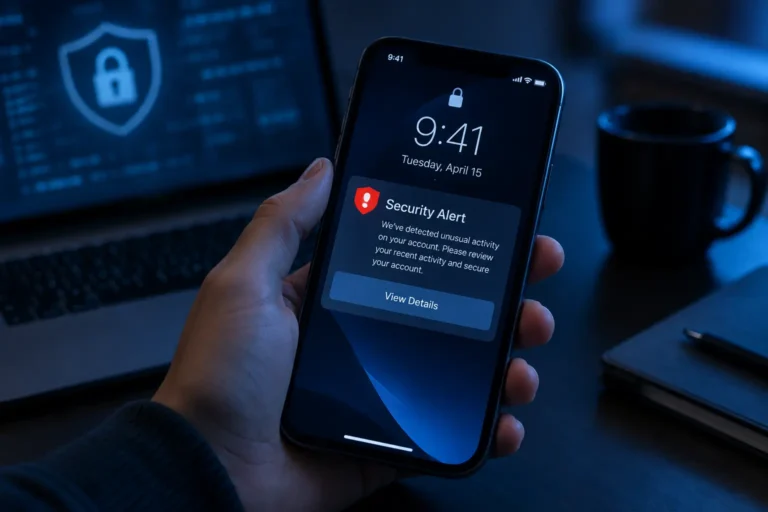
You get a notification that someone just logged into your account from a device you do not recognize. Your stomach drops. Within minutes, strange messages are going out to your contacts, or your profile photo has changed to something you never uploaded. This exact scenario plays out constantly, and in nearly every case it traces back to one of a handful of gaps that were genuinely preventable before anyone ever broke in.
Why Are Social Accounts Such a Common Target?
A social media account is rarely the final goal for someone trying to break in. It is a stepping stone, a way to reach your contacts with a scam, extract personal details for identity theft, or pivot into other accounts that share the same password. Understanding this matters because it reframes the whole problem. You are not just protecting a profile. You are protecting everyone connected to it and every other account that shares a password or a recovery email with it.
What Actually Stops an Account Takeover?
A Genuinely Unique Password for Every Platform
Reusing a password across several accounts means a single breach anywhere instantly puts every other account using that same password at risk. Each social media account deserves its own password, long and specific enough that it cannot be reasonably guessed. If building and remembering several unique passwords sounds exhausting, a passphrase-based approach solves this without forcing you to memorize a string of random characters for every single platform.
Two-Factor Authentication, Turned on Everywhere It Exists
If there is one single setting that does more work than anything else on this list, it is two-factor authentication. With it enabled, a stolen password alone is no longer enough to get in, since logging in also requires a code sent to your phone or generated by a separate authentication app. Nearly every major platform offers this option, usually tucked inside account security or privacy settings, and turning it on takes a couple of minutes per account.
Recovery Information That Is Actually Current
A forgotten password is only a minor inconvenience if your recovery email and phone number are accurate and genuinely belong to you. If these details are outdated, missing, or point to an email you no longer check, regaining access after a real compromise becomes considerably harder, sometimes permanently so. Review this setting periodically, not just the first time you set up an account.

Where Do Most Compromises Actually Start?
A Compromised Email Account
Your email account is frequently the master key behind every other login, since password reset links for nearly everything route through it. If an attacker gains access to your email first, they can reset passwords on your social accounts one after another, often before you even notice the email itself was breached. Protecting your email with the same strength password and two-factor authentication as your social accounts is not optional. It is arguably the more important target to secure first.
Third-Party Apps With More Access Than They Need
Over time, most people grant login access to a surprising number of third-party apps and games through their social accounts, many of which are long forgotten. Periodically reviewing which apps have access to your accounts, and revoking anything you no longer use or do not fully trust, closes a door that often gets left wide open indefinitely.
Phishing Links, Even From People You Know
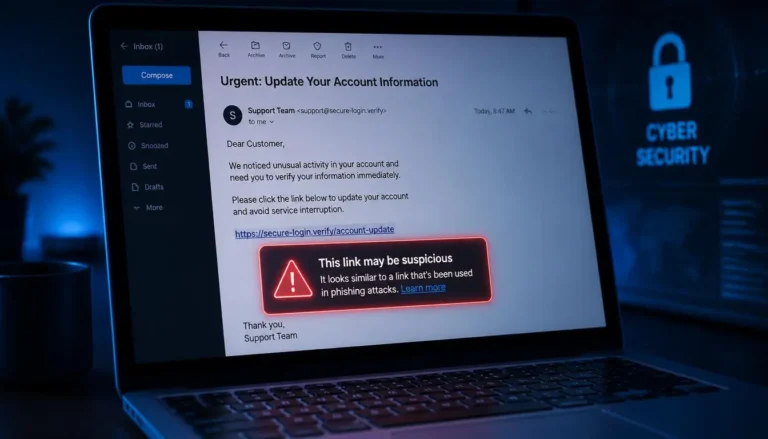
A message containing a link, even one appearing to come from a real contact, deserves real suspicion if it feels even slightly off in tone or timing. Accounts get compromised constantly, and a hacked account is frequently used specifically to send convincing-looking links to that person’s own contacts, since a message from someone you trust is far more likely to get clicked than one from a stranger. The underlying mechanics here are identical to spotting a phishing email, just delivered through a direct message instead of an inbox.
Unsecured Networks
Logging into an account over an unfamiliar shared network carries real risk, particularly without any added protection. The same habits that protect banking and email on a coffee shop network apply directly here too, covered in more depth in whether public Wi-Fi is actually safe.
What Should You Never Put in a Recovery Question?
Security questions asking for a pet’s name, a favorite color, or a close relative’s first name only work if the answer is not already sitting in public view. If your profile already shows your dog’s name in a caption or your mother’s name in a tagged photo, that “secret” answer is not actually secret at all. Where a platform allows it, choose an answer that has nothing to do with information visible anywhere on your public profile.
What If an Account Is Already Compromised?
Act quickly, and work through these steps roughly in order. Change the password immediately, ideally from a device you know is clean rather than the one that may have been exposed. Check and correct your recovery email and phone number, since an attacker sometimes changes these first to lock you out permanently. Turn on two-factor authentication if it was not already active. Review recent activity for messages sent or posts made without your knowledge, and look for new followers, connections, or admin access you do not recognize. Report the compromise directly to the platform, since most have a dedicated process for exactly this situation. Finally, warn your contacts that the account was compromised, so they know to ignore anything suspicious that may have gone out in the meantime.
Your Security Checklist
- Unique password for every social media account, never reused elsewhere
- Two-factor authentication turned on for every account that offers it
- Recovery email and phone number current and checked periodically
- Email account protected at least as strongly as your social accounts
- Third-party app permissions reviewed and trimmed regularly
- Suspicious links treated with caution, even from known contacts
- Recovery question answers that are not visible anywhere on your public profile
- A clear plan ready if you ever need to respond quickly to a real compromise.