Signs Your Phone Has Been Hacked and What to Do
Your phone holds more sensitive information than almost anything else you own: banking apps, private messages, saved passwords, photos, and direct access to your email and social accounts. That makes it a genuinely attractive target, and the unsettling part is that a hacked phone rarely announces itself with an obvious warning. Instead, it shows up as a handful of small, easy-to-dismiss symptoms that only add up to something serious once you know what to look for.
Quick Take
The clearest signs of a hacked phone are rapid battery drain, unexplained spikes in data usage, unfamiliar apps you never installed, pop-ups or redirects that appear out of nowhere, and camera or microphone indicator lights turning on when you are not using either feature. If you notice several of these at once, run a malware scan immediately, change your passwords from a separate, uncompromised device, and review the security activity on any linked accounts.
Performance Signs That Something Is Wrong
Malware and spyware both consume processing power and battery life in the background, which means performance issues are often the earliest hint that something is off, even before anything more obviously alarming shows up.
Battery drains faster than usual. If your phone suddenly needs charging far more often despite no real change in how you use it, something running in the background is likely consuming power you are not accounting for.
The phone runs noticeably slower or overheats. Malicious software competing for processing resources can make everyday tasks feel sluggish, and sustained background activity can cause a phone to run warmer than normal even when it is sitting idle.
Data usage spikes without explanation. Spyware frequently needs to transmit the information it collects somewhere, and doing so consumes mobile data. If your usual data usage jumps significantly with no corresponding change in your own habits, it is worth investigating.
None of these signs alone is definitive proof of a hack, since legitimate apps can occasionally cause similar symptoms. What matters is noticing several of these issues appearing together, particularly if they started suddenly rather than gradually.
Signs on the Device Itself
Beyond general performance, a few more specific signs point more directly toward a compromised device.
Unfamiliar apps appear in your app list. Malware often disguises itself as something innocuous to avoid detection. Scroll through your complete list of installed apps periodically and look for anything you do not recognize installing yourself.
Pop ups, redirects, or unusual ads appear unexpectedly. If your browser or even apps outside your browser start showing intrusive pop ups, especially inappropriate or unrelated content, this is a strong indicator of adware or a broader malware infection.
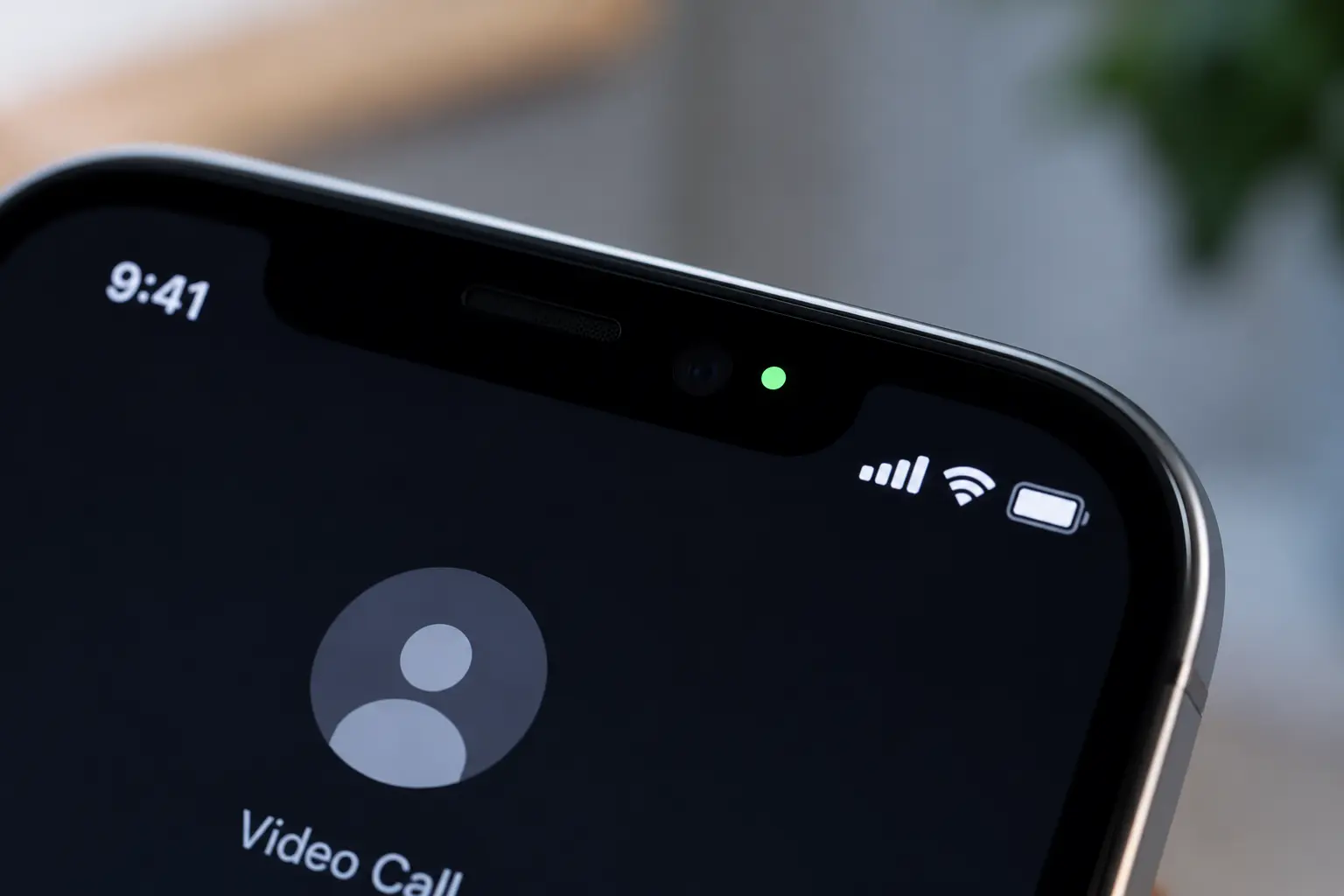
Your camera or microphone indicator activates without you using either. Most modern smartphones display a small colored light or dot when the camera or microphone is actively in use. On an iPhone specifically, a green dot indicates the camera is active and an orange dot indicates the microphone. If either appears while you are not using an app that would need it, spyware may be accessing that feature remotely.
Calls sound distorted or drop unexpectedly. Static, echoes, clicking sounds, or frequent dropped calls, especially when your signal strength appears strong, can occasionally indicate that spyware is intercepting or interfering with your communications, though this can also stem from ordinary network issues and is worth testing across different locations before assuming the worst.
Signs Tied to Your Accounts, Not Just Your Phone
Some of the most reliable signs a phone has been compromised actually show up in your linked online accounts rather than on the device screen itself.
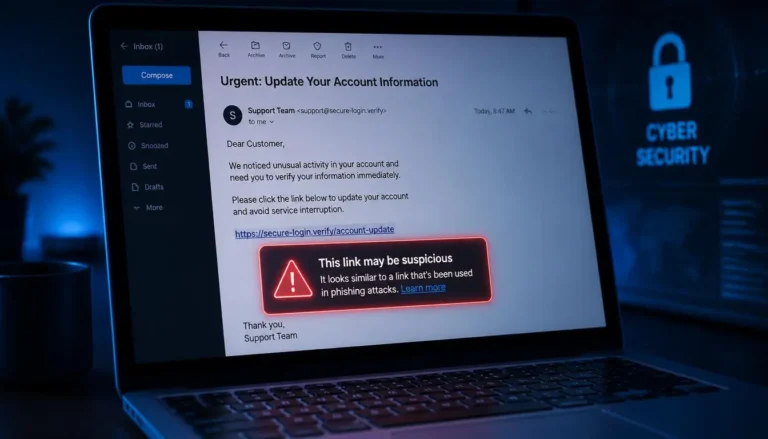
You receive login alerts or password reset emails you did not request. These are strong, fairly unambiguous signals that someone is attempting to access an account tied to your phone.
You are unexpectedly locked out of an account. If a password suddenly stops working with no memory of changing it yourself, someone else may have already changed it after gaining access.
Contacts report receiving strange messages from you. If friends or family mention getting texts or messages you never sent, particularly ones containing links, your phone number or a messaging account may already be compromised and actively being used.
Your phone bill shows unusually high charges. Unexpected premium text charges or unfamiliar calls can indicate malware silently generating charges in the background without your knowledge.
A Quick Way to Check for Call Forwarding
A lesser known but genuinely useful check involves dial codes built into most mobile networks. Dialing *#21# displays the current status of call forwarding on your line, and the result should read as not forwarded. Dialing *#62# shows where calls are redirected when your phone is unreachable, which should point to your carrier’s standard voicemail number rather than an unfamiliar one. If you find call forwarding active that you did not set up, dialing ##002# resets and disables it entirely. Keep in mind that the availability and exact function of these codes can vary depending on your specific carrier and country, so treat this as one useful diagnostic among several rather than a definitive test on its own.
What to Do If You Confirm Your Phone Has Been Hacked
Once you suspect or confirm a compromise, moving through these steps in order limits the damage and reduces the chance of the problem recurring.
Run a malware scan first. Before changing anything else, use a reputable, well reviewed antivirus or anti malware app to scan your device and confirm what you are actually dealing with, since this shapes exactly which recovery steps you need to take next.
Change your passwords from a different, clean device. Doing this from the potentially compromised phone risks a hacker capturing your new credentials the moment you type them. Start with your primary email and any account used to sign into other services, since a compromise there can cascade outward to everything connected to it.
Review activity on your linked accounts. Check the security or privacy settings of major accounts, particularly ones offering sign in through Google, Apple, or Facebook, for unfamiliar logins, new devices, or recent changes you did not make yourself.
Delete unfamiliar apps. Remove anything you do not recognize installing, then restart the device and confirm the removal was successful.
Update your phone’s operating system. Software updates frequently patch the exact security vulnerabilities that malware relies on to gain access in the first place.
Warn your contacts if needed. If a hacker appears to be sending messages from your accounts or number, let your contacts know so they can safely ignore anything suspicious that seems to be coming from you.
Consider a factory reset as a last resort. If the infection persists despite the steps above, resetting your phone to factory settings removes essentially everything, including the malware itself, though it also erases your personal data. Back up what you can beforehand, but be cautious about restoring a backup created after the likely point of infection, since doing so can reintroduce the same problem.
Preventing This From Happening Again
Once your phone is clean, a few consistent habits meaningfully reduce the odds of a repeat incident. Use strong, unique passwords for every account, ideally managed through a password manager rather than memorized or reused across services. Only install apps from official app stores rather than third party sources. Keep your operating system and apps updated rather than postponing updates indefinitely. Be cautious connecting to public WiFi networks, and use a VPN if you must. Treat public USB charging stations with some suspicion as well, since data can theoretically be transferred through a compromised charging port, and carrying your own charger or a small USB data blocker removes that risk entirely.
Read more practical, no-fluff guides like how to create strong passwords you can actually remember, which is the first thing worth doing once you regain control of a hacked device. For more Tech guides, visit Daily Anytime.
Frequently Asked Questions
Can someone hack my phone just by calling me?
A phone call alone generally cannot install malware on a modern smartphone. The real risk usually comes from clicking a link sent afterward, downloading an attachment, or being tricked into installing something through a follow up message, so treat unexpected calls asking you to take further action with real caution.
How do I check if my calls are being forwarded without my knowledge?
Dial *#21# to check your call forwarding status directly. The result should show as not forwarded. If it shows an unfamiliar number, that is a sign worth investigating further, and dialing ##002# will reset and disable any active forwarding.
Is a factory reset the only way to remove a hacker from my phone?
No. Most infections can be resolved through a malware scan, removing suspicious apps, and updating your software. A factory reset is generally reserved for cases where the infection persists despite these steps, since it erases your personal data along with the malware.
Should I restore from a backup after my phone was hacked?
Be cautious. If your backup was created after the phone was likely already compromised, restoring it can reintroduce the same malware. Where possible, restore only specific files like photos and contacts manually, rather than a full system backup, until you are confident of exactly when the compromise began.
Can hackers access my phone through public WiFi?
Yes, unsecured public WiFi networks are a common entry point, since data traveling over them can potentially be intercepted. Using a VPN when connecting to public WiFi significantly reduces this risk by encrypting your connection.