How to Spot a Phishing Email Before It’s Too Late
Phishing does not require you to be careless. It requires you to be busy, distracted, or momentarily rattled by a message that seems urgent, and that is precisely why it still works on people who genuinely know better. The good news is that a phishing email almost always leaves a trail of specific, learnable warning signs, and once you know what to look for, spotting one becomes fast and almost automatic.
Quick Take
The most reliable signs of a phishing email are a sender address that does not match the organization it claims to be from, a generic greeting instead of your actual name, urgent or threatening language pushing you to act immediately, and a link that leads somewhere different than the text suggests. Real phishing attempts rarely rely on just one of these. They tend to stack several together, which actually makes them easier to catch once you know the pattern.
Check the Sender Address, Not Just the Display Name
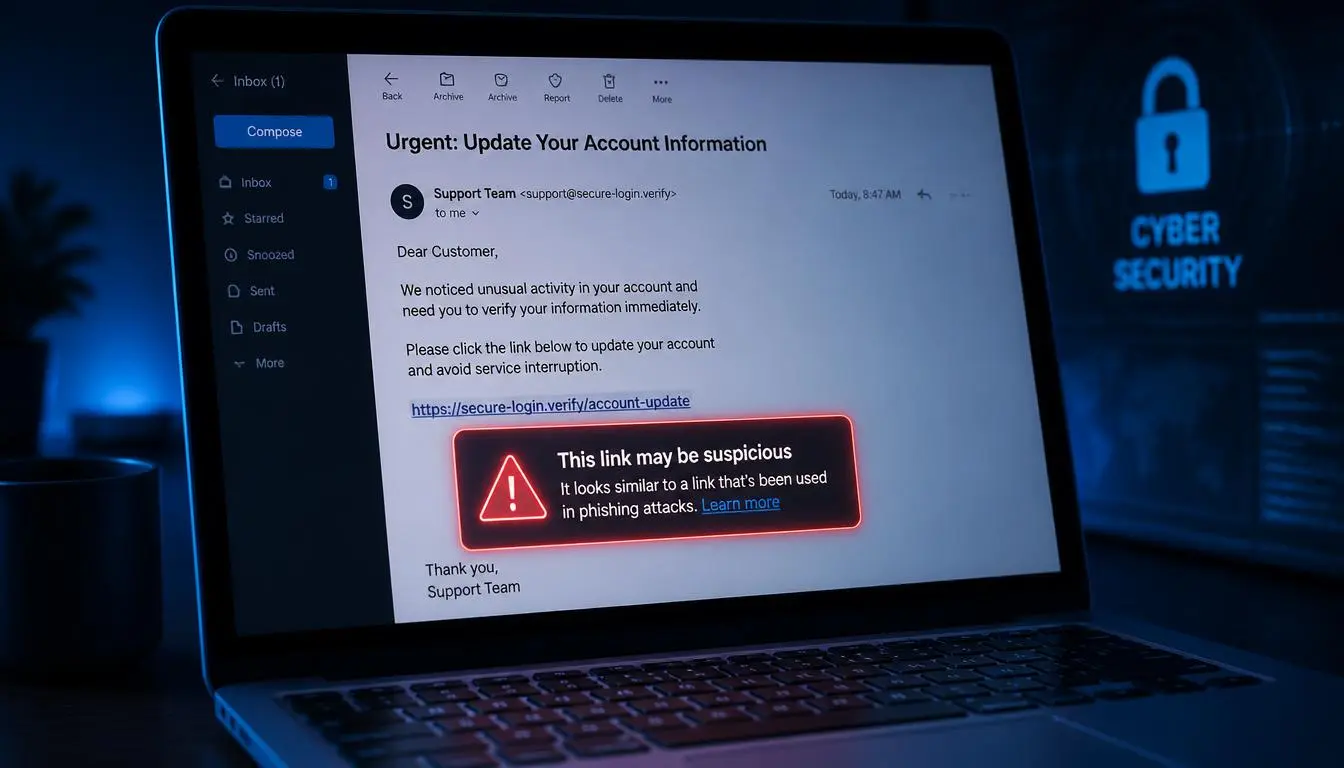
The name shown in your inbox is not the same thing as the actual email address behind it, and scammers count on most people never checking the difference. A message might display as “PayPal Support” while the underlying address is something completely unrelated and clearly fake once you look closely.
On desktop, hover your mouse over the sender’s name to reveal the full email address. On mobile, tap the sender’s name to do the same. Look specifically for a domain that does not match the organization at all, such as a message claiming to be from a bank but sent from a generic public email service, or a domain that is almost right but subtly altered, a zero swapped for the letter O, or an extra letter slipped into an otherwise familiar company name.
Notice a Generic Greeting
Legitimate businesses and organizations that already have your information typically address you by name, since they already have that data on file. Phishing emails, sent in bulk to thousands of addresses at once, frequently fall back on a generic greeting like “Dear Customer” or “Dear User” instead, simply because the sender does not actually know who you are.
This is not a guaranteed sign on its own, since some legitimate automated emails do use generic greetings too. But paired with any other red flag on this list, a generic greeting adds real weight to the suspicion.
Be Wary of Urgency and Threats
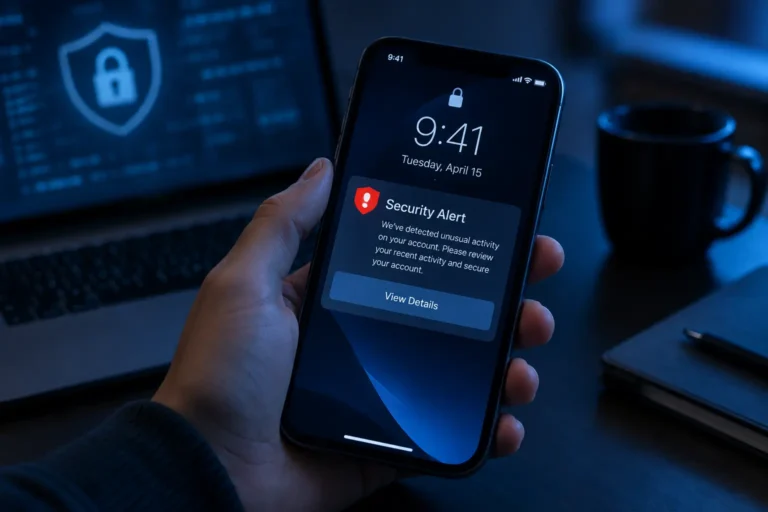
Scammers rely heavily on urgency because it short circuits careful thinking. Phrases like “your account will be suspended within 24 hours,” “immediate action required,” or “unusual activity detected on your account” are designed to trigger a quick, panicked click rather than a moment of consideration.
Legitimate organizations rarely demand instant action through email alone, without any other form of contact or a reasonable grace period. If a message is pushing hard for you to act right now, treat that pressure itself as a warning sign, and slow down deliberately rather than responding to the urgency it is trying to create.
Hover Before You Click, Every Time
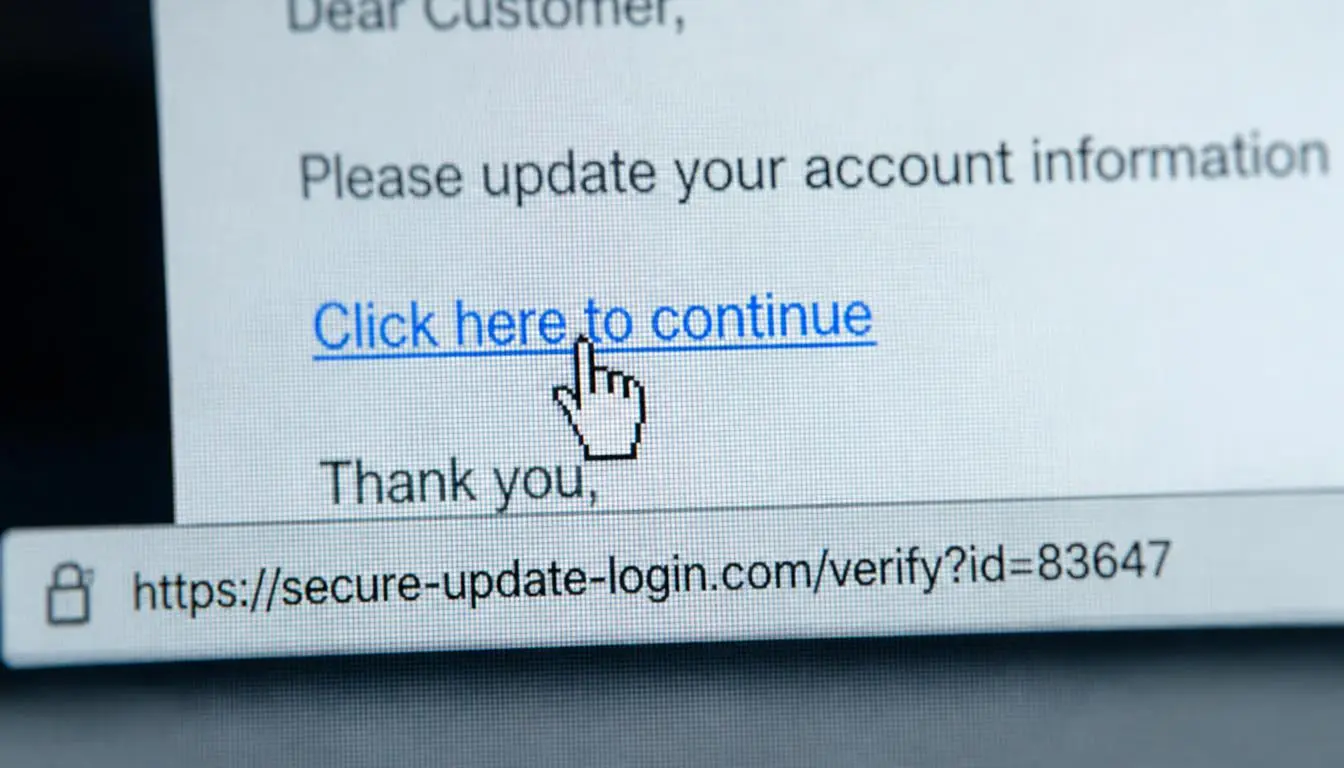
One of the most reliable and consistently useful checks is comparing what a link’s visible text says against where it actually leads. On a computer, hovering your mouse over a link, without clicking it, reveals the real destination URL, usually shown at the bottom of your browser window. On a phone, a long press on the link typically previews the same information.
Watch specifically for shortened links that hide the real destination, misspelled versions of a familiar domain, unfamiliar strings of random characters, or a raw IP address in place of a normal web address. Any noticeable mismatch between the link’s displayed text and its actual destination is one of the single strongest indicators that a message is not what it claims to be.
Look for Mismatched or Nonsensical Content
Sometimes the clearest sign is simply that an email does not add up internally. A subject line about “important documents” attached to a message actually discussing your storage quota, or an urgent warning email with a body that reads like a generic advertisement, both suggest a template being reused carelessly across a mass phishing campaign rather than a genuine, individually written message.
Similarly, receiving a two factor authentication code you never requested is a serious warning sign on its own, since it typically means someone else has already entered your password somewhere and is actively trying to get past the second layer of protection on your account.
Do Not Rely on Spelling and Grammar Alone Anymore
For years, poor spelling and awkward grammar were considered one of the most reliable phishing signals, and security researchers have long suspected some scammers deliberately kept errors in their messages to filter out more cautious, harder to fool targets. That signal has weakened considerably. Government cybersecurity guidance now specifically warns that AI tools have made it easy for scammers to produce flawless, professional sounding emails, which means grammar alone is no longer a reliable test. The other signs on this list, the sender address, the link destination, the urgency, and the greeting, matter more now than they used to, precisely because polished writing no longer rules out a scam.
Real Phishing Attempts Rarely Rely on Just One Red Flag
If there is one genuinely useful pattern to internalize, it is that phishing emails tend to stack multiple warning signs together rather than relying on a single subtle tell. A typical fake shipping notification, for example, might combine a sender address that is close to but not quite the real company domain, a generic “Dear Customer” greeting, an urgent twenty four hour deadline, and a tracking link that leads somewhere unrelated when you hover over it. Any one of these alone might be explainable. All four appearing together in the same message is essentially a confirmed phishing attempt.
What to Do Once You Have Spotted One
Once a message checks enough of these boxes to be genuinely suspicious, resist the urge to click anything inside it, including an unsubscribe link, which can sometimes confirm to a scammer that your address is active. Do not reply to the email or call any phone number listed inside it either. Instead, if you think the message might possibly be legitimate, look up the organization’s actual contact information independently, through their official website found via a search engine, and reach out that way to confirm.
Most major email providers include a built in option to report a message as phishing directly from your inbox, which both removes it and helps improve spam filtering for others. Government cybersecurity agencies also accept phishing reports directly, giving you a way to flag particularly convincing or widespread scams beyond just your own inbox.
For more everyday digital safety guidance, see how to create strong passwords you can actually remember and signs your phone has been hacked and what to do, or explore more Tech guides on Daily Anytime.
Frequently Asked Questions
Can a phishing email look completely professional and still be fake?
Yes, increasingly so. Modern phishing attempts, particularly ones assisted by AI writing tools, can have flawless grammar and polished formatting, which is exactly why checking the sender address and hovering over links matters more now than spelling errors do.
What should I do if I already clicked a phishing link?
Do not enter any information on the page that loads. Close the browser tab immediately, then change the password for any account the phishing attempt was impersonating, ideally using a strong, memorable passphrase, and monitor that account closely for unusual activity in the following days.
Is it safe to reply to a suspicious email to ask if it’s real?
No. Replying confirms your email address is active and monitored, which can lead to further targeted attempts. Verify through an independent channel instead, such as the organization’s official website or a phone number you already know is genuine.
Why do phishing emails often create a sense of urgency?
Urgency is designed to short circuit careful thinking and push you toward an impulsive click before you have time to notice other warning signs. Recognizing urgency itself as a manipulation tactic is one of the most effective defenses against falling for it.
How can I tell if my email account itself has already been compromised by a phishing attack?
Watch for signs like receiving unexpected two factor authentication codes, password reset emails you did not request, or reports from contacts about strange messages sent from your account, all of which suggest your account may already be compromised and worth securing immediately.